


💛 A quick favor, if you've got a second.
We're really happy that you chose to read one of our stories and sincerely hope you'll stick around to read more. We took our paywall down — for now — but that won't last forever, and when the gate goes back up, we'd love for you to already be on the inside.
It's free. So please enter your email here and don't forget to like and follow us on all of your favorite Social Media platforms!
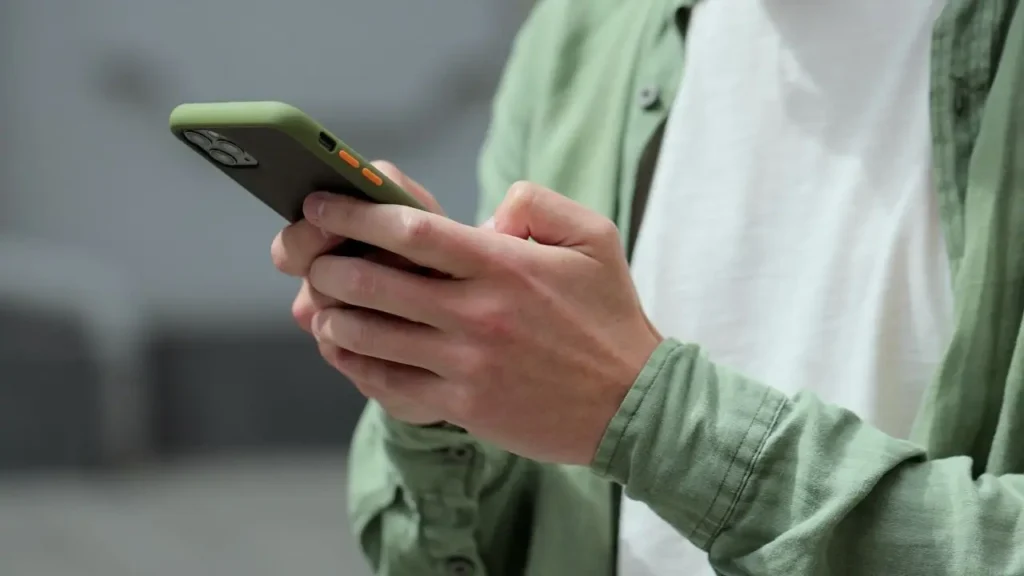
Apple has intensified its security alert system by placing threat notifications directly on iPhone Lock Screens, a significant shift designed to ensure users cannot overlook warnings of targeted spyware attacks. The company confirmed to CyberGuy that it dispatched threat notifications on August 13 to targeted users in 110 countries, with cumulative notifications reaching more than 150 countries to date. These alerts represent high-confidence detections that an individual user has been specifically targeted with unusually sophisticated spyware rather than routine malware threats.
The Lock Screen message warns: “Apple detected a mercenary spyware attack targeted at your iPhone. There are actions you can take now to protect your data and device.” Mercenary spyware attacks are substantially more sophisticated than conventional malware and scams, with attackers spending extraordinary resources to target a small number of individuals. Receiving a warning does not guarantee that spyware successfully infiltrated the device, but rather indicates Apple detected activity suggesting targeted exploitation attempts.
Historically, mercenary spyware has targeted journalists, activists, politicians, and diplomats, with public research linking attacks to state actors and private companies developing surveillance tools. Apple deliberately does not identify specific attackers or countries in its notifications, stating that revealing detection methods could enable spyware operators to alter their tactics. The company updated its notification system to display warnings on the Lock Screen, in Settings, via email to associated Apple Account addresses, and on its account website.
Users should recognize that scammers will attempt to replicate these warnings by creating fake alerts claiming device compromise and directing victims to fraudulent Apple login pages designed to steal credentials. Genuine Apple threat notifications never request users to click links, open files, install applications or profiles, or provide Apple Account passwords or verification codes through email or telephone. Suspicious users should navigate directly to Apple’s official account website through their browser rather than following unexpected email prompts.
Apple strongly recommends enabling Lockdown Mode for users who receive mercenary spyware warnings, a feature that restricts certain apps, websites, and connections to minimize attack vectors. An Apple spokesperson stated in March 2026 that the company was not aware of any successful mercenary spyware attacks against Apple devices operating in Lockdown Mode, establishing a notable security record for this specialized protection tool. The company also advises keeping devices current with the latest iOS software, enabling two-factor authentication, maintaining strong unique passwords, and reviewing connected devices on Apple Accounts.
While most iPhone users will never encounter these warnings, Apple’s approach reflects the evolving landscape of targeted surveillance, where commercially available spyware tools have expanded access beyond traditional intelligence agencies. The Lock Screen notification strategy represents an acknowledgment that critical security alerts require prominent, unmissable placement to effectively reach users before malicious actors exploit the delay inherent in traditional email communication.

More Stories
Looney Tunes’ ‘Coyote vs. Acme’ Debuts With $15.5 Million as ‘Spider-Man’ Holds Box Office Crown
Trump Calls NASA to Congratulate Agency on Roman Space Telescope Launch
Meta Ordered to Implement Sweeping Teen Safety Restrictions Under Settlement